Save Photos & Organize with Boards
I'm happy to share a new suite of features that makes discovering photos in Patina Project even more helpful for your potential boot and shoe makeups! Let's jump right in.
Save Photos
I believe photos are invaluable and decisive tools for figuring out the makeup for a new pair of boots. You should be able to conveniently save the photos in Patina Project that inspire you the most. To make this possible, I've added the Save Photos feature.
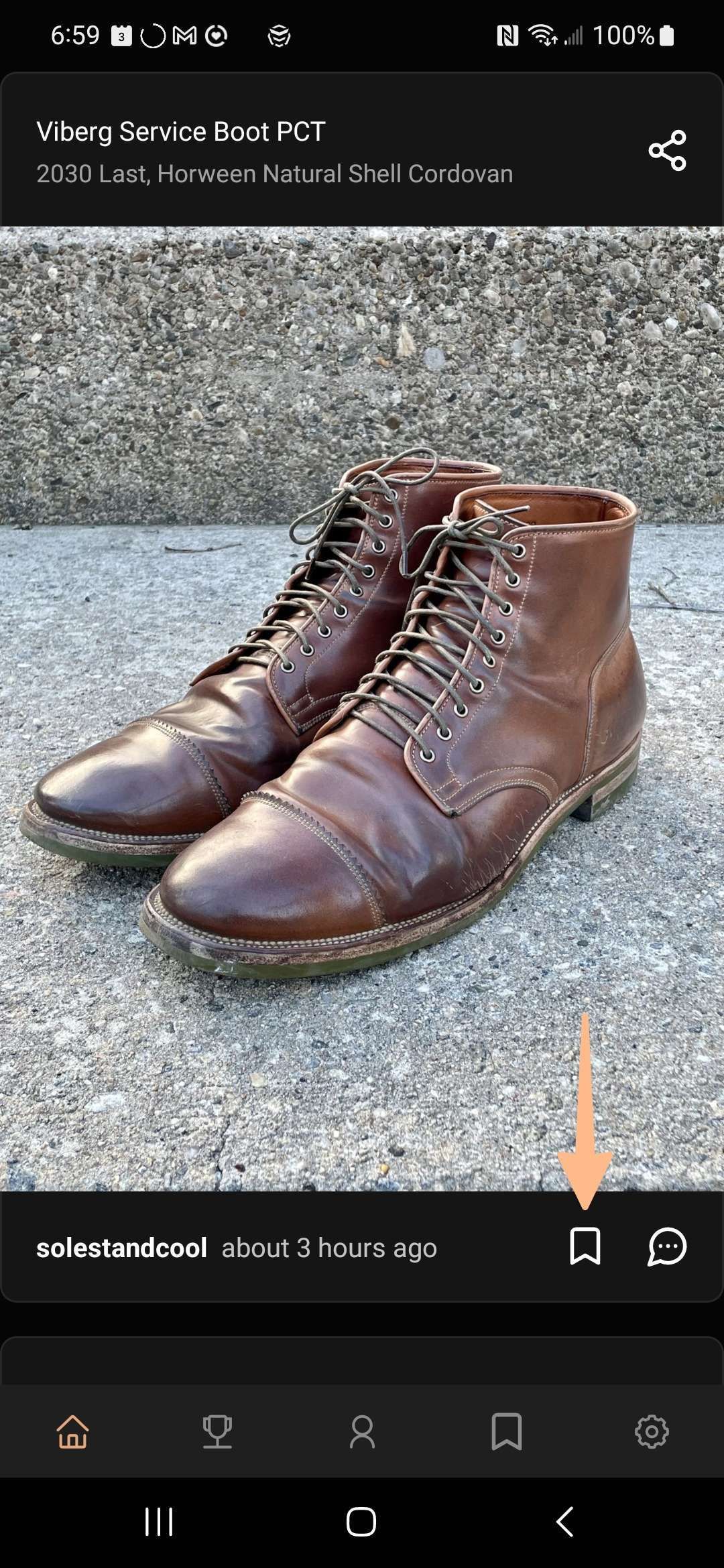
As you browse through the feed, you can save any photo with the press of the new Save button. It makes the feed an excellent place to hunt for boot-spiration that you can now easily put aside for later!
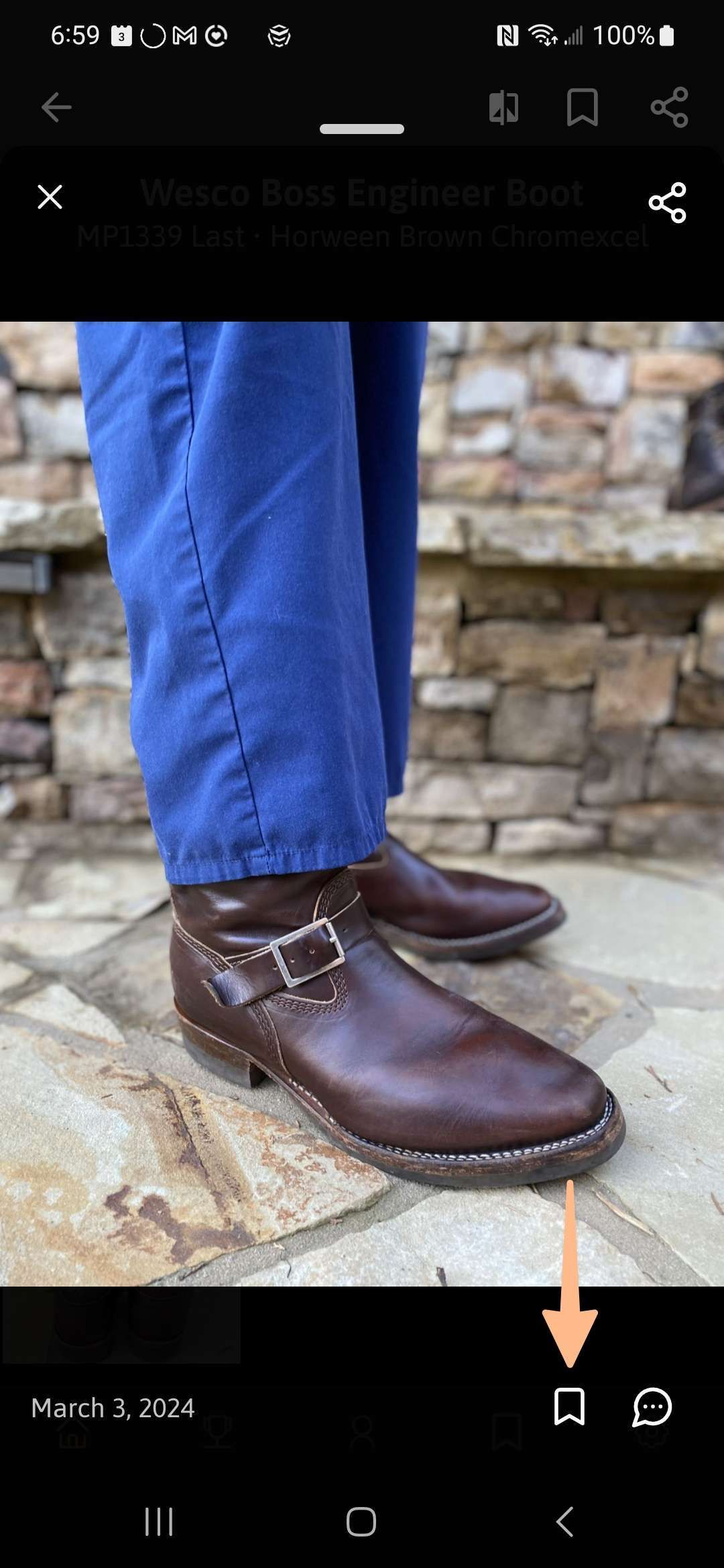
Moreover, you can save photos directly from any pair's album, giving you to ability to handpick the most useful photos of a particular pair.
Organizing Your Saves with Boards
Saved content is most helpful when organized in a useful way. That's where the new Boards feature comes in, giving you the power to organize all of your saved photos and pairs however you need them.
You can create a new board whenever you save a pair or photo, or from the Saved tab.
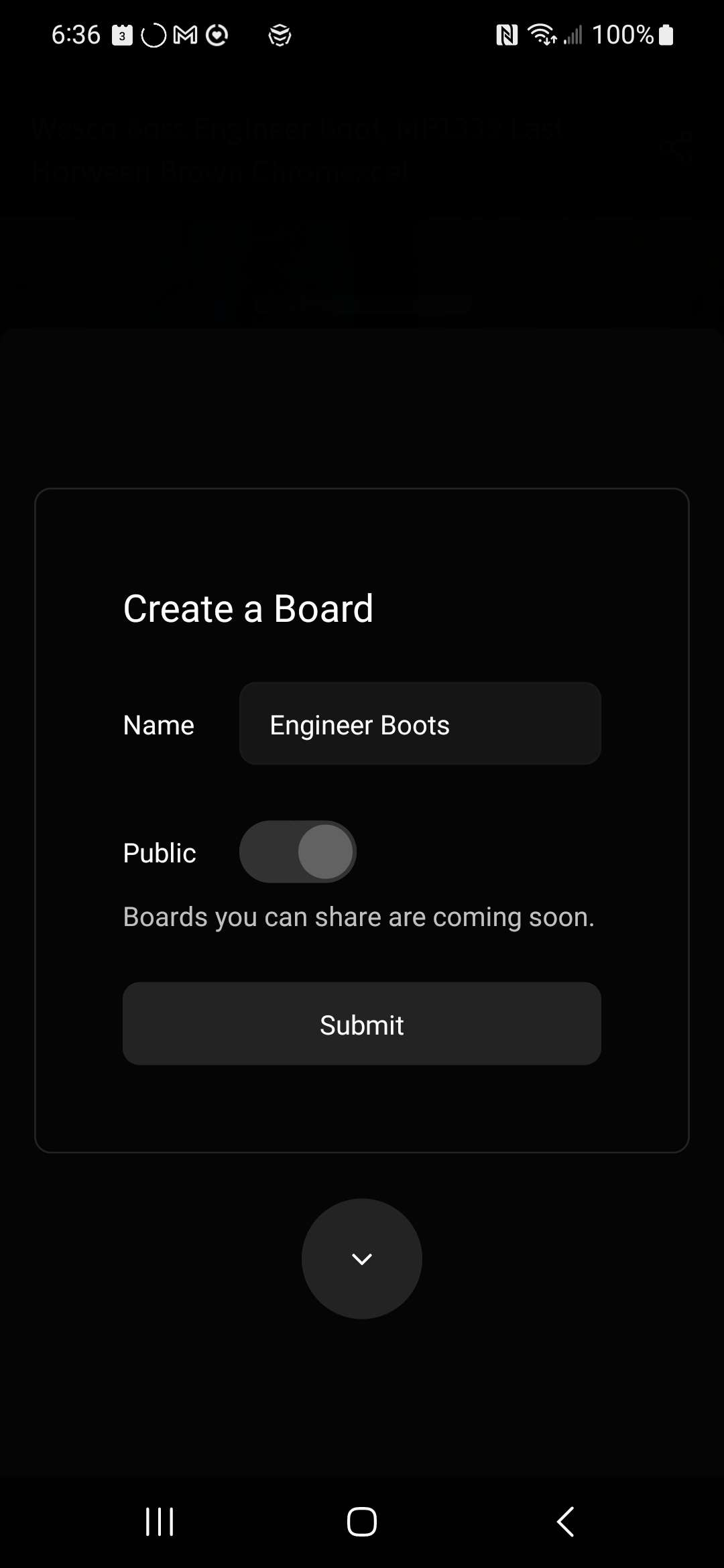
In a future update, you will be able to share public boards on your profile. If you'd like to enable this for boards that you create today, turn the Public setting on.
When saving a photo or pair, you will be prompted if you would like to add it to a board. You can add a saved item to as many boards as needed!
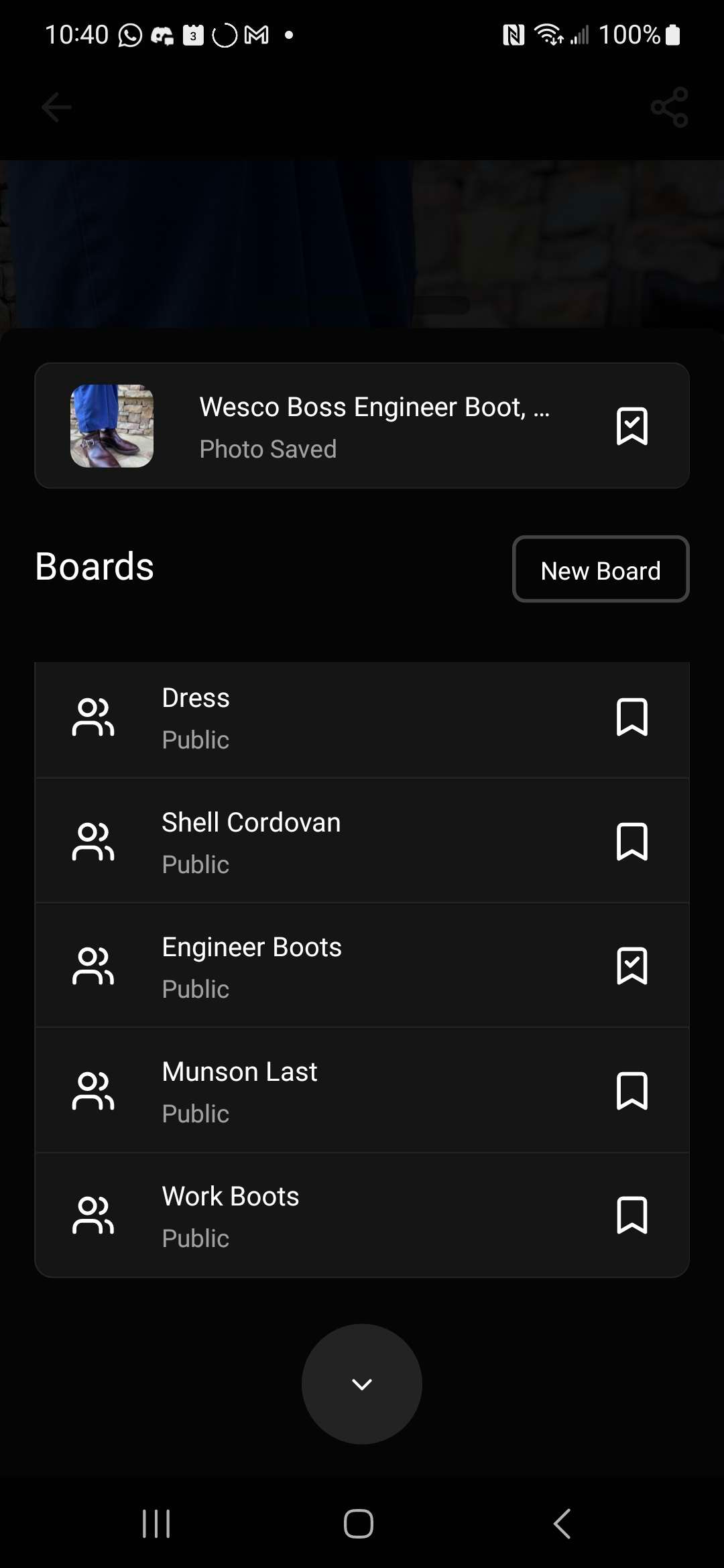
Your boards can be accessed from the Saved tab. If you're not ready to start using boards, don't sweat it. There's an All Saved board that lets you browse all of your saved items.
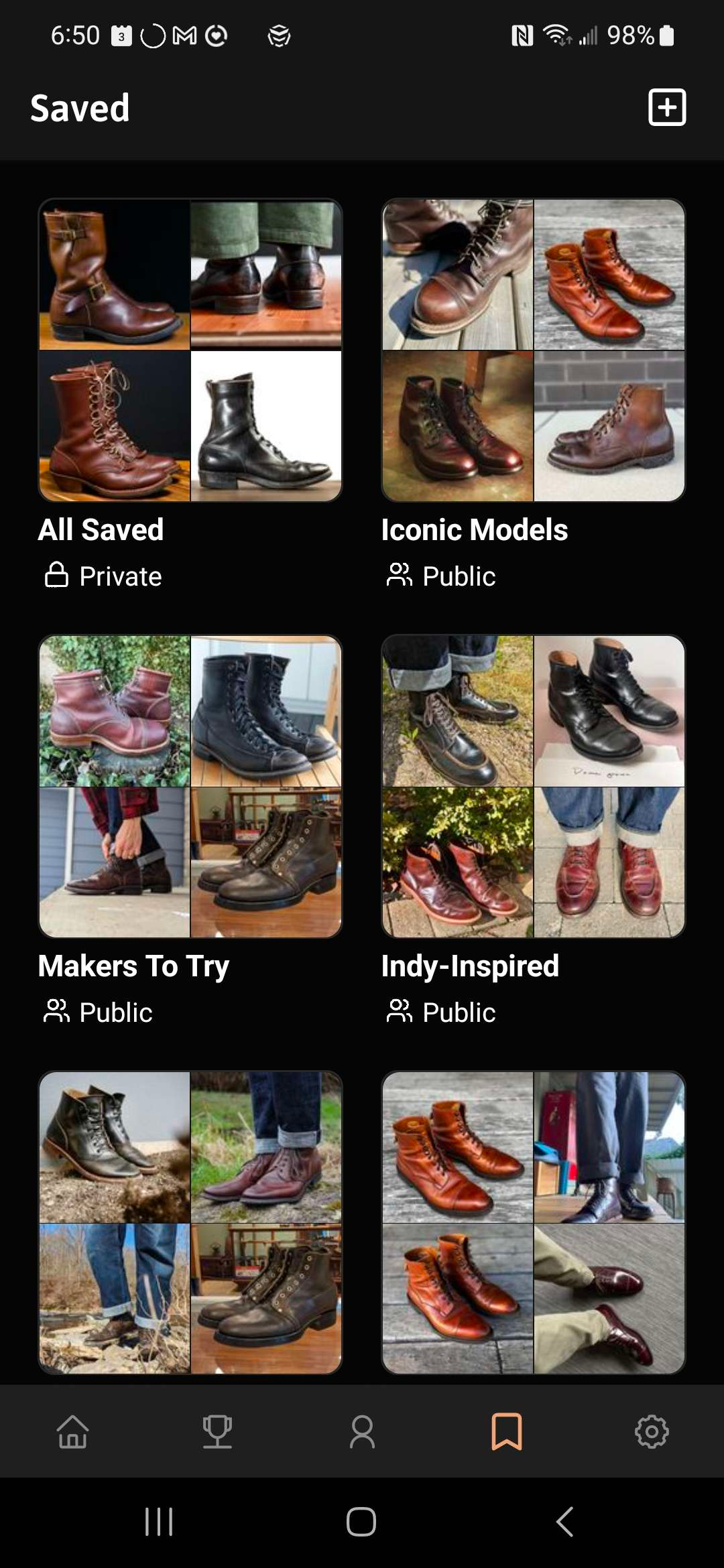
Finding Your Saved Items
To make it as easy as possible to find the saved content you are looking for, check out these new methods.
Inside a board, you can filter the type of saved content by All, Products, Pairs, or Photos. This helps you view only a specific type of content.
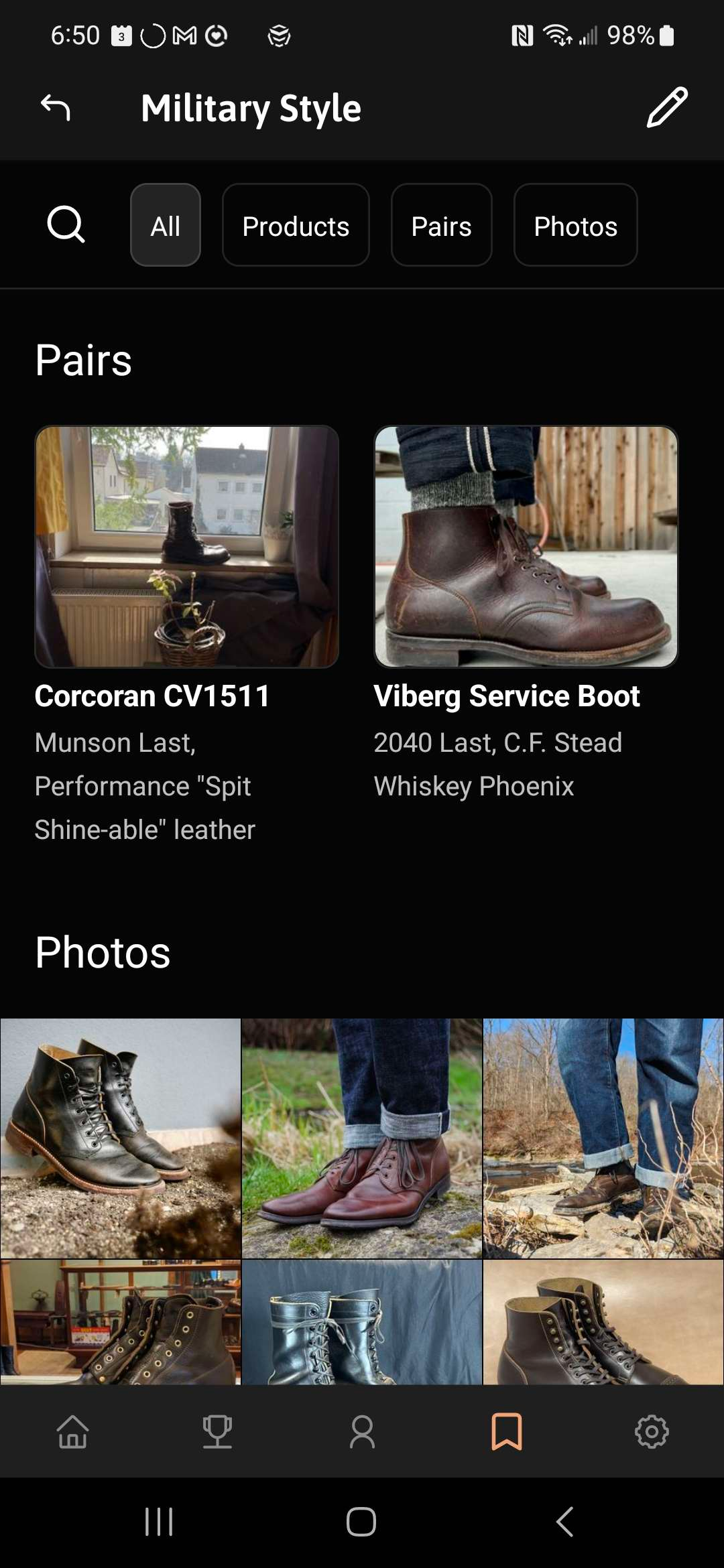
Pressing the magnifying glass 🔎 will let you search for saved items within a board using text or by filtering for specific specs.
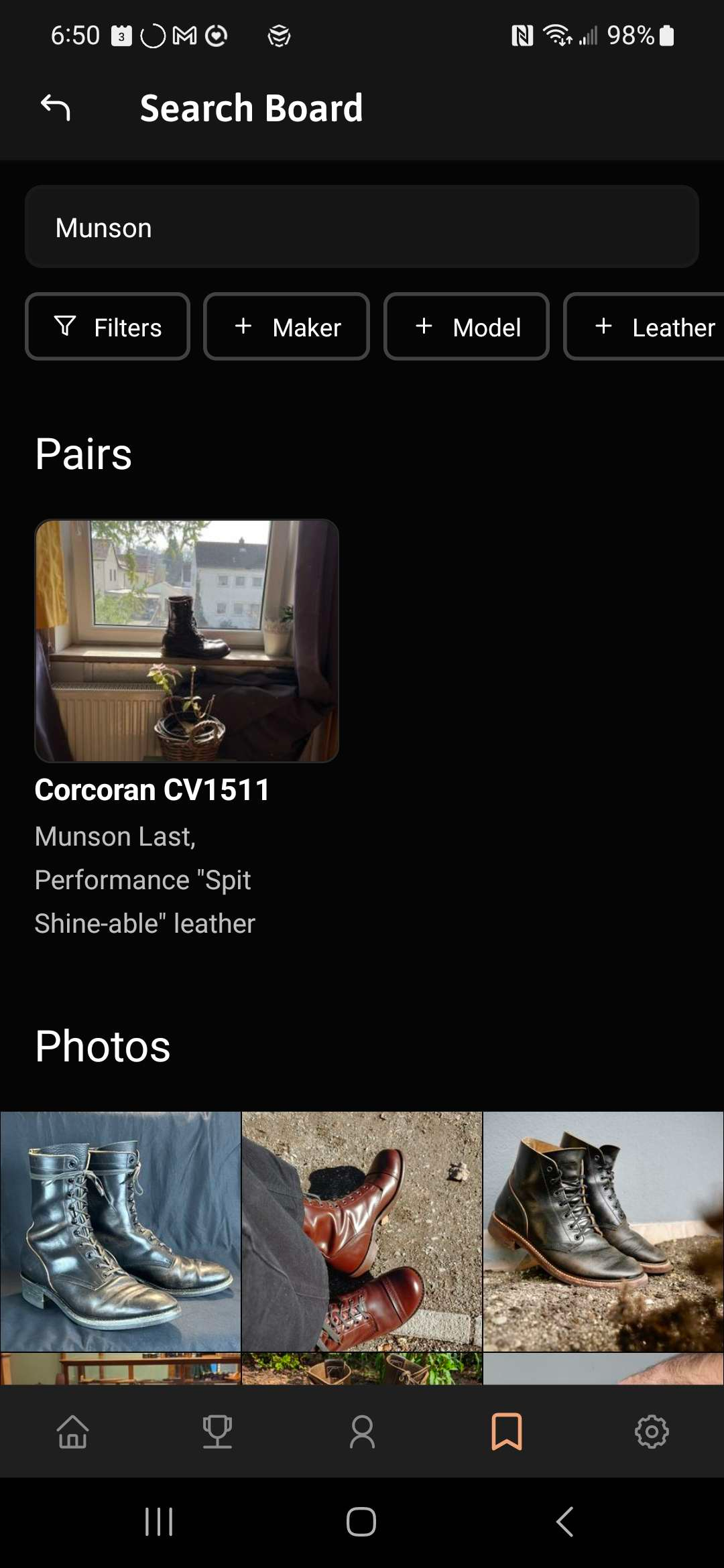
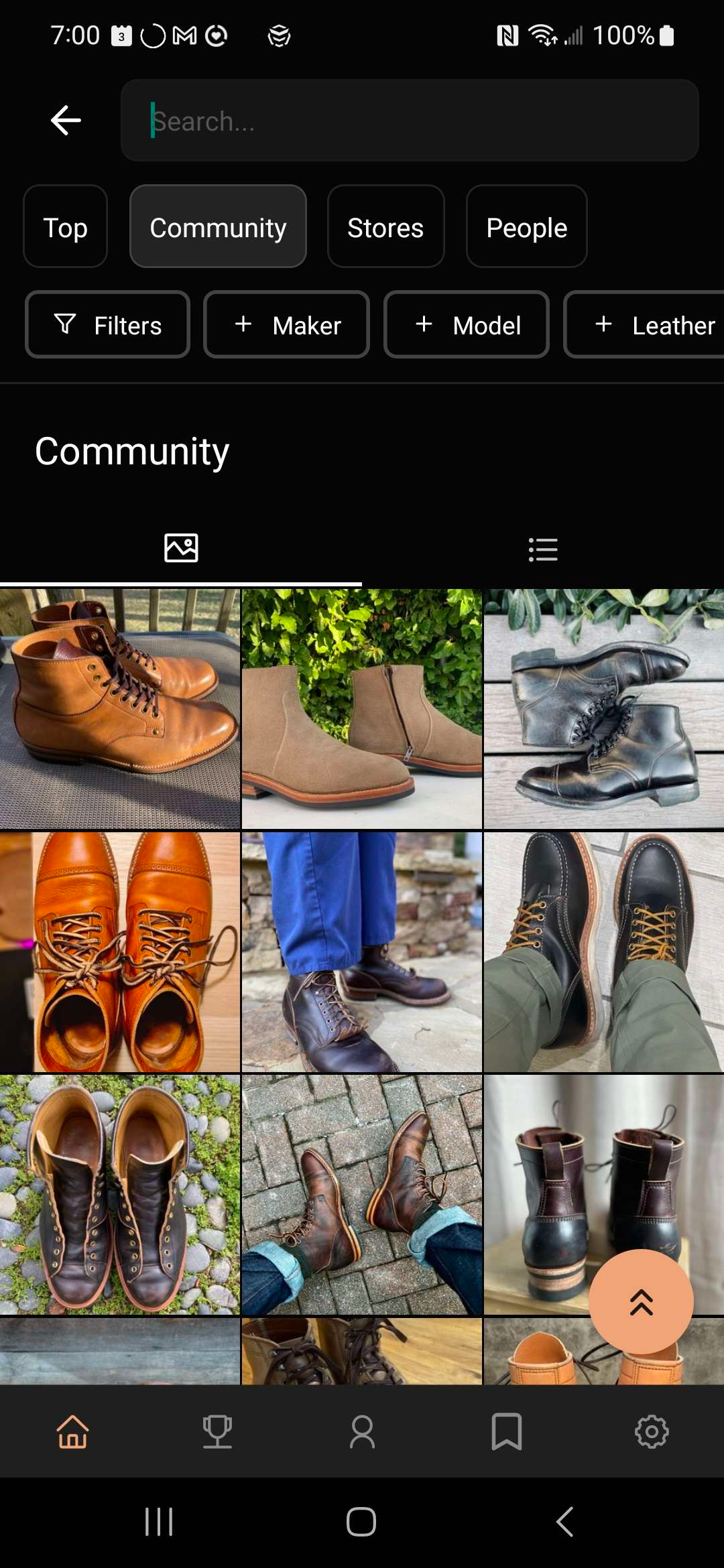
New Search & Filter Experience
It's now easier to search and filter than before. You can quickly access the maker, model, and leather filters with the press of a button. I've also added the ability to search only for pairs worn by the community, or sold in stores.
Pressing the Filters button now opens a popup where you can quickly access all types of filters.
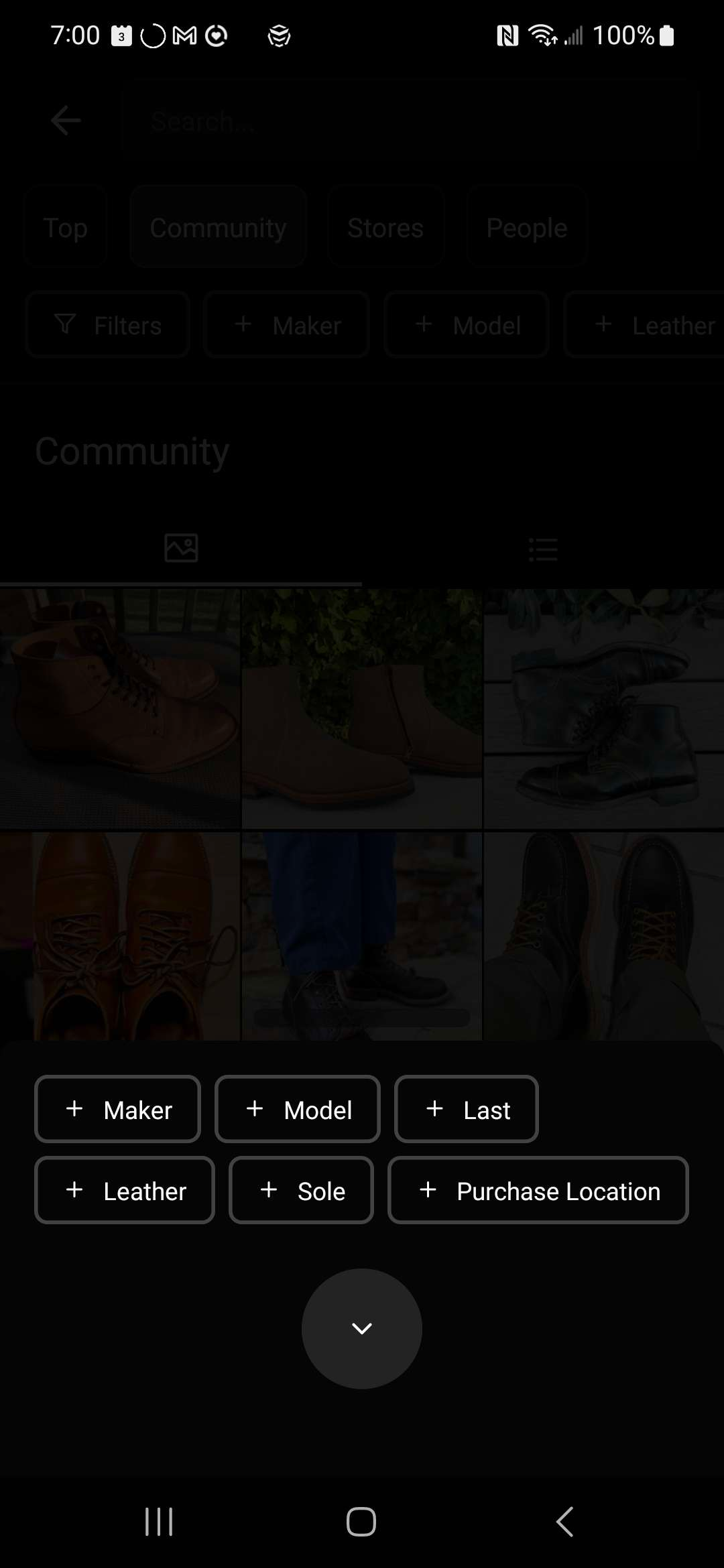
Finally, before searching or filtering, you will see a random selection of boots and shoes. I believe this can be a great way to discover new and interesting pairs!
Up Next
Here's the updated roadmap, I've indicated changes to the previous roadmap with 🚗.
🚗 A new workflow for sharing your experience with your pair. The goal here is to you enable you to help others understand the entirety of your pair—topics such as usage patterns, fit feedback, and ordering experience. This is coming up next to power the Thunderdome essays at the start of April.
Roadmap is subject to change.
Bug Fixes
Fixed Take Photo tool.
Fixed an issue causing number of saves not to appear.
Fixed a bug where Thunderdome sponsor banners were covering some boots! 😱
Restored sorting saved pairs by latest update.
Conclusion
I hope you enjoy the new upgrades to Patina Project! I've been having a blast enjoying my latest work and adding photos to my newly-created boards.
Please let me know in the Patina Project Discord if you have any feedback. It's my ongoing goal to keep evolving Patina Project to become the most helpful companion for your footwear journey.
-Ted